Pick your event#
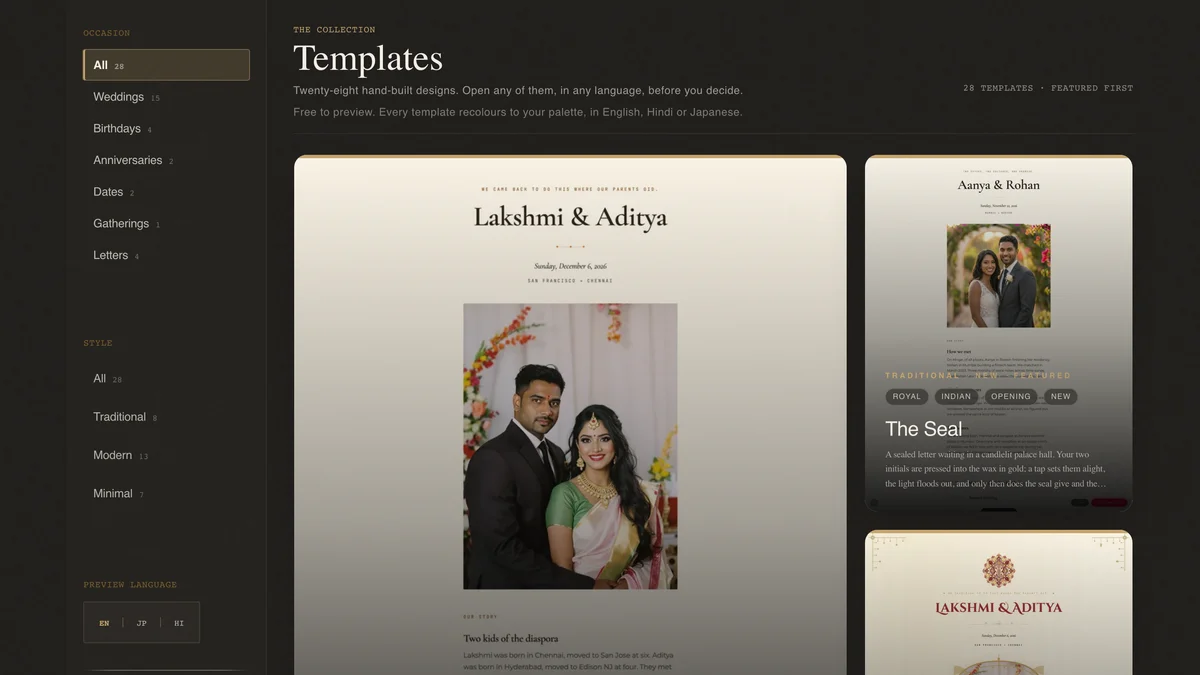
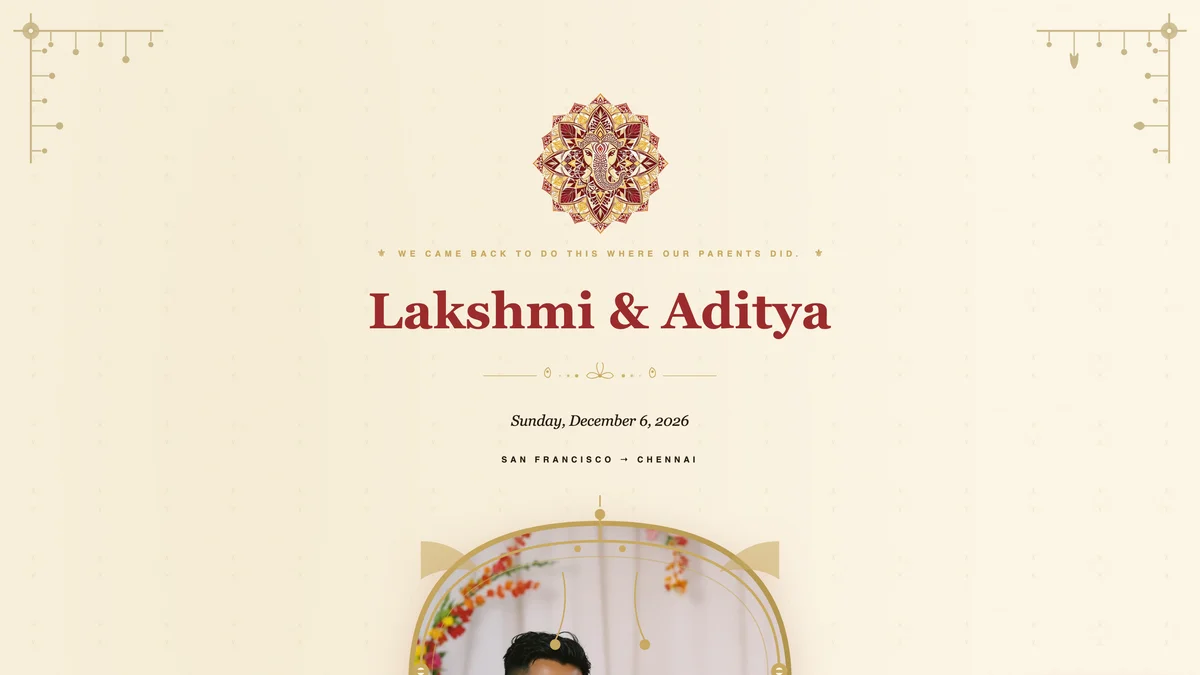
Browse 26 ready-made templates, then make any of them yours. Filter by event type: weddings, birthdays, anniversaries, dates, letters, gatherings.
Browse the gallery →5 chapters · 25 steps
Make the invitation. Run your guest list. Host a gathering. Make a video. See what your guests see. Read the chapter you need, skip the rest.
Five steps from a blank page to guests replying.
Browse 26 ready-made templates, then make any of them yours. Filter by event type: weddings, birthdays, anniversaries, dates, letters, gatherings.
Browse the gallery →
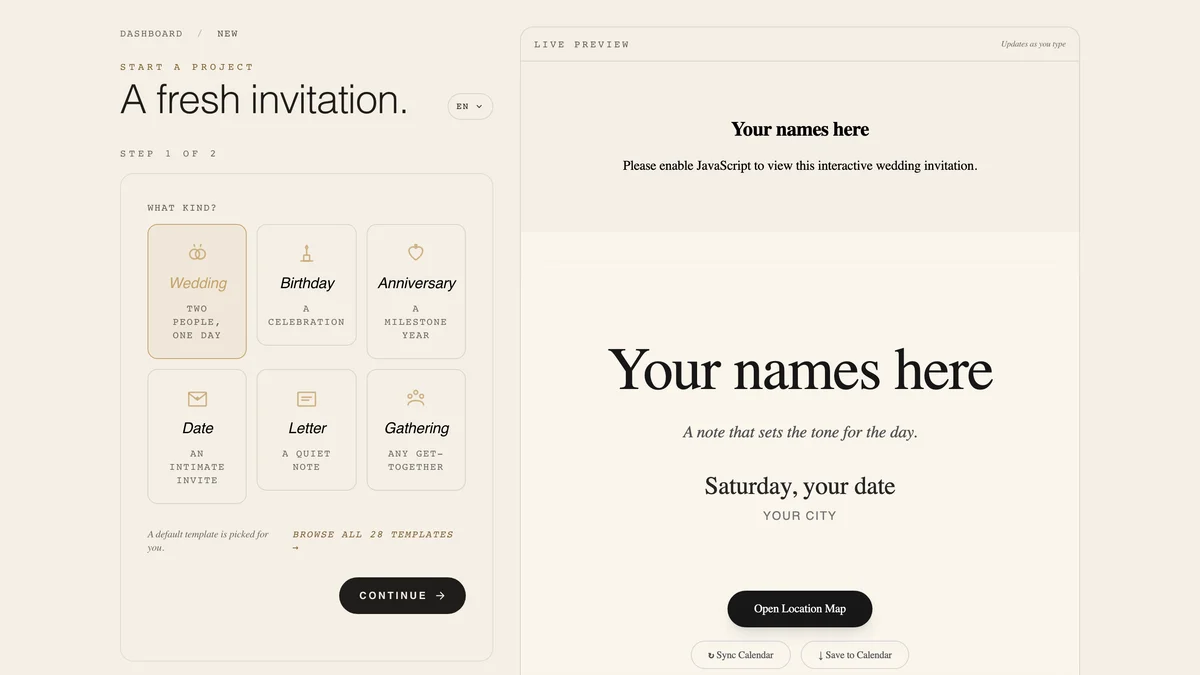
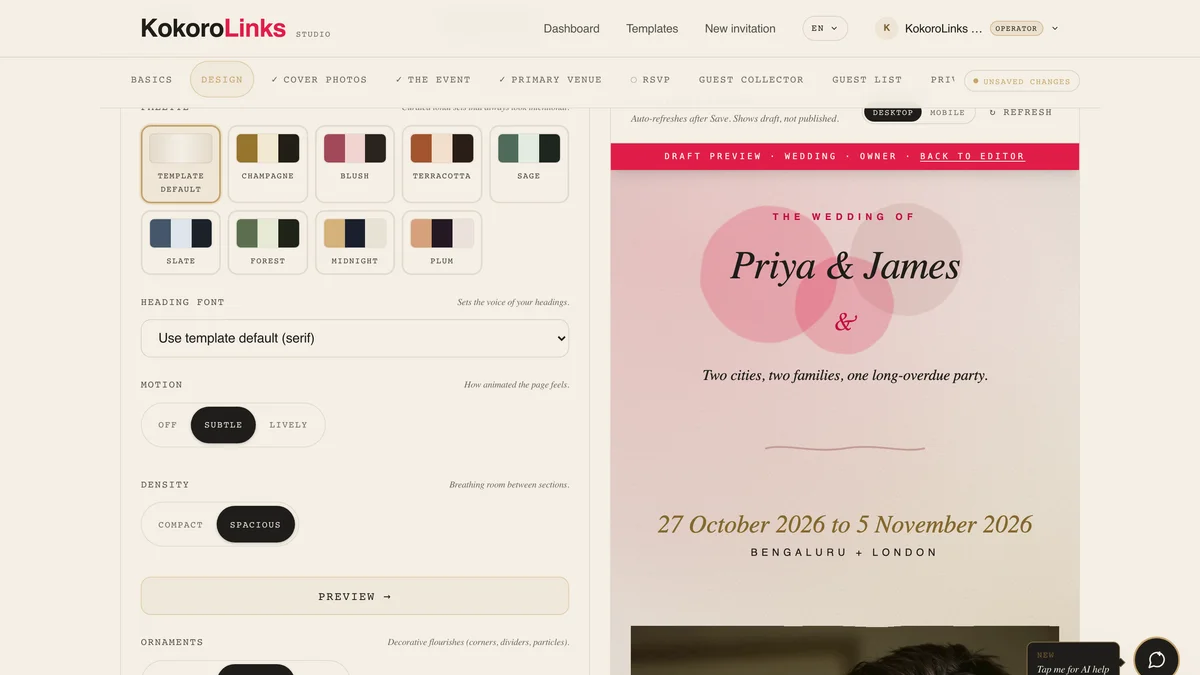
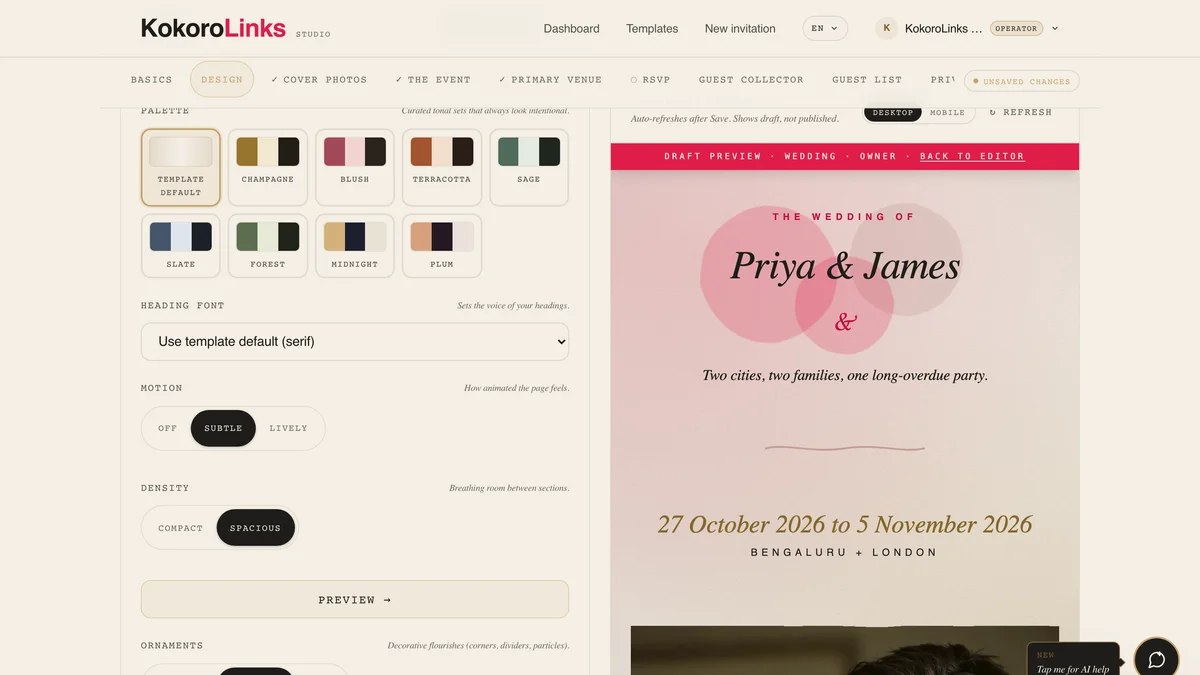
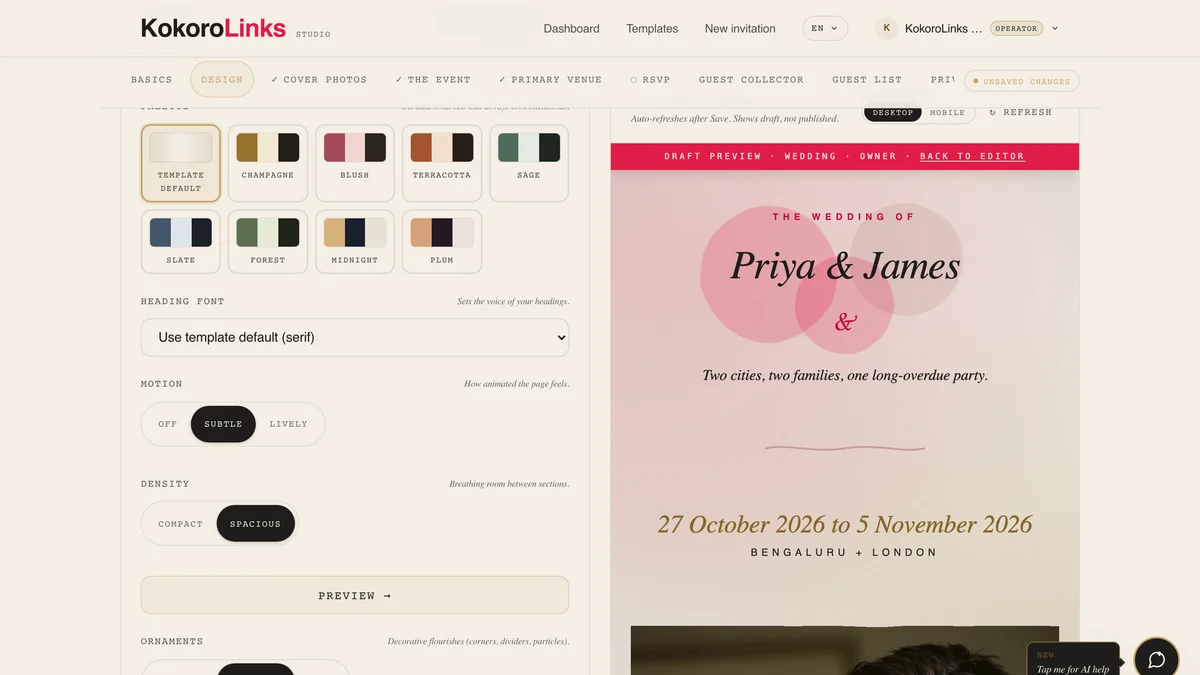
Type your details. Whispers offer one-tap suggestions; AI drafts a first pass; live preview updates as you save.
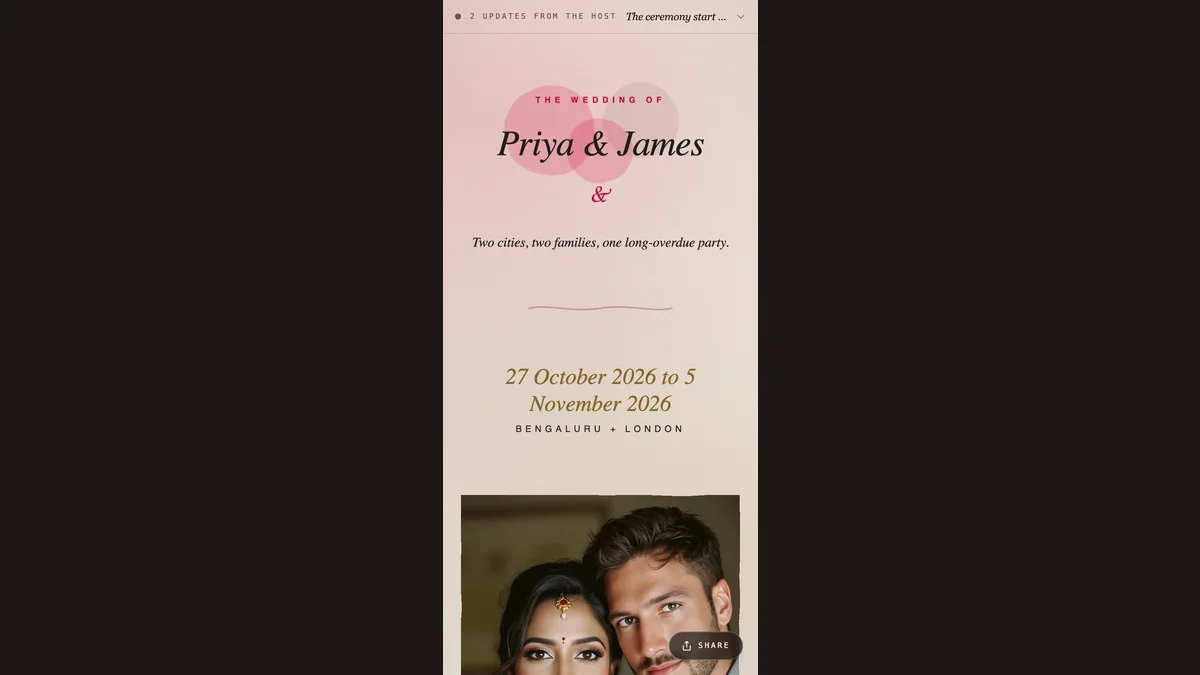
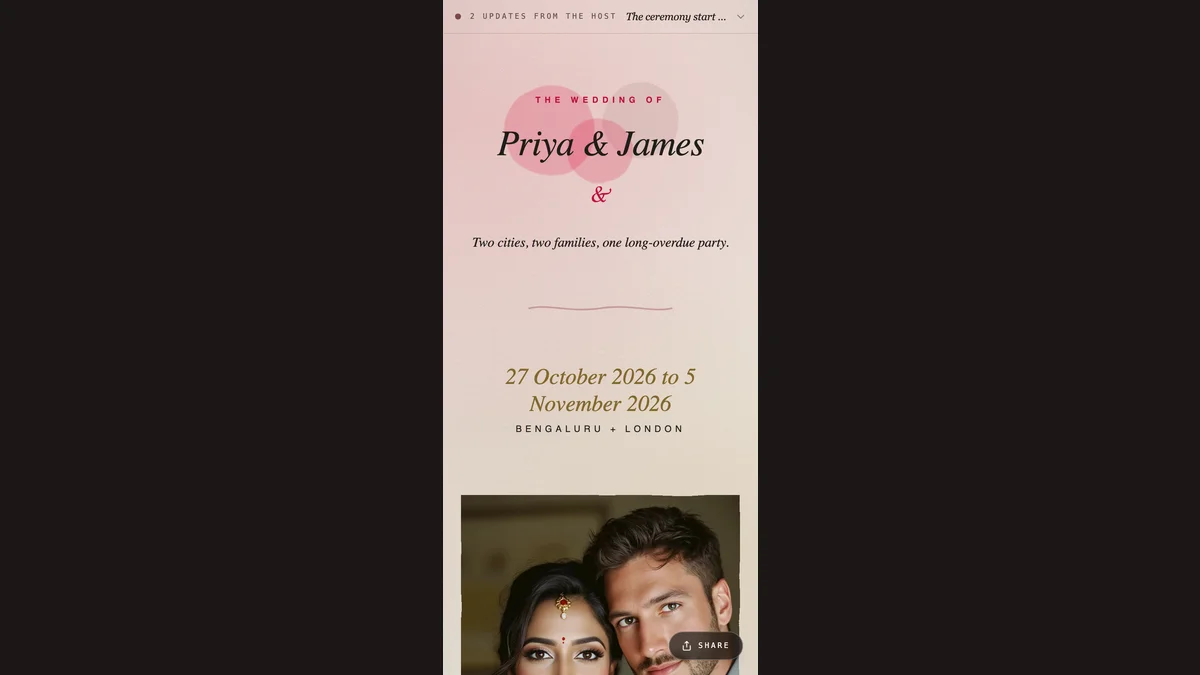
Share one link via WhatsApp, iMessage, or email. Opens instantly, looks identical on every phone.
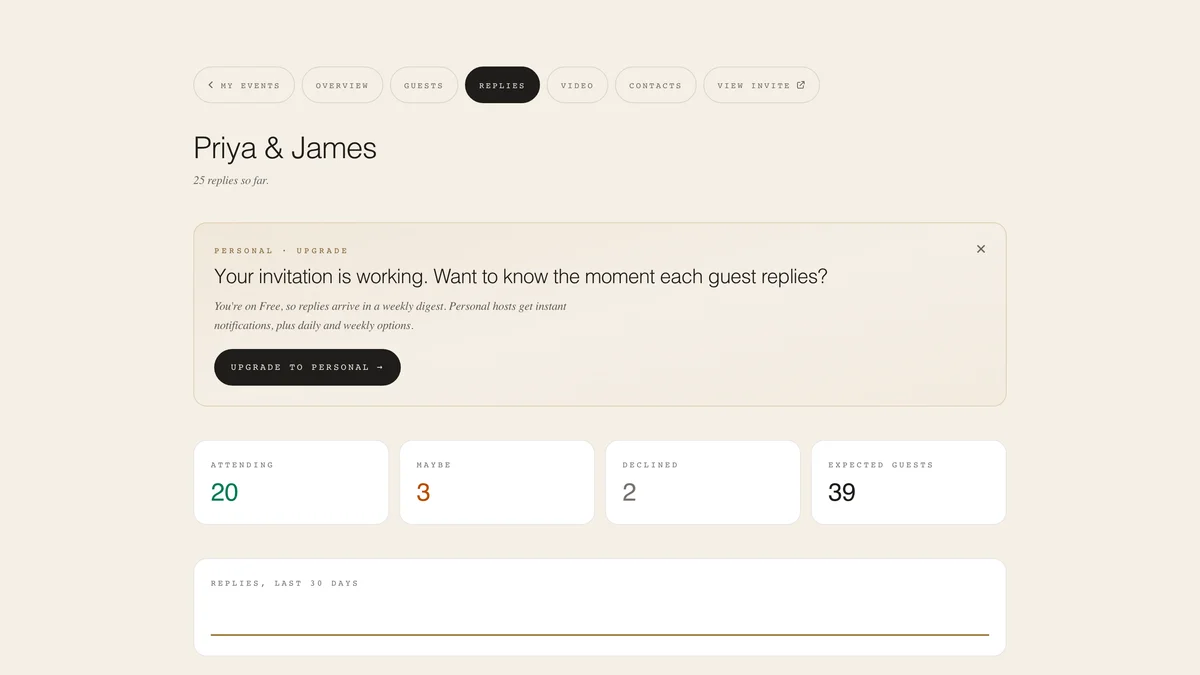
Guests reply through a built-in form. See attending, party sizes, and dietary notes in one dashboard.
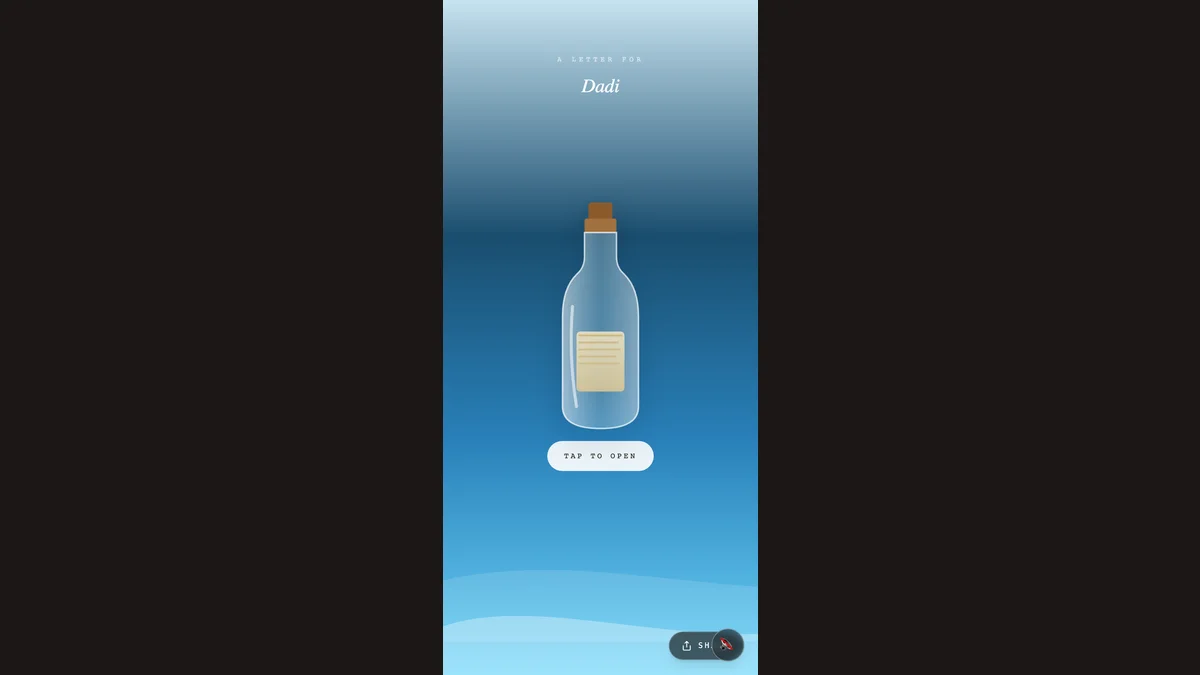
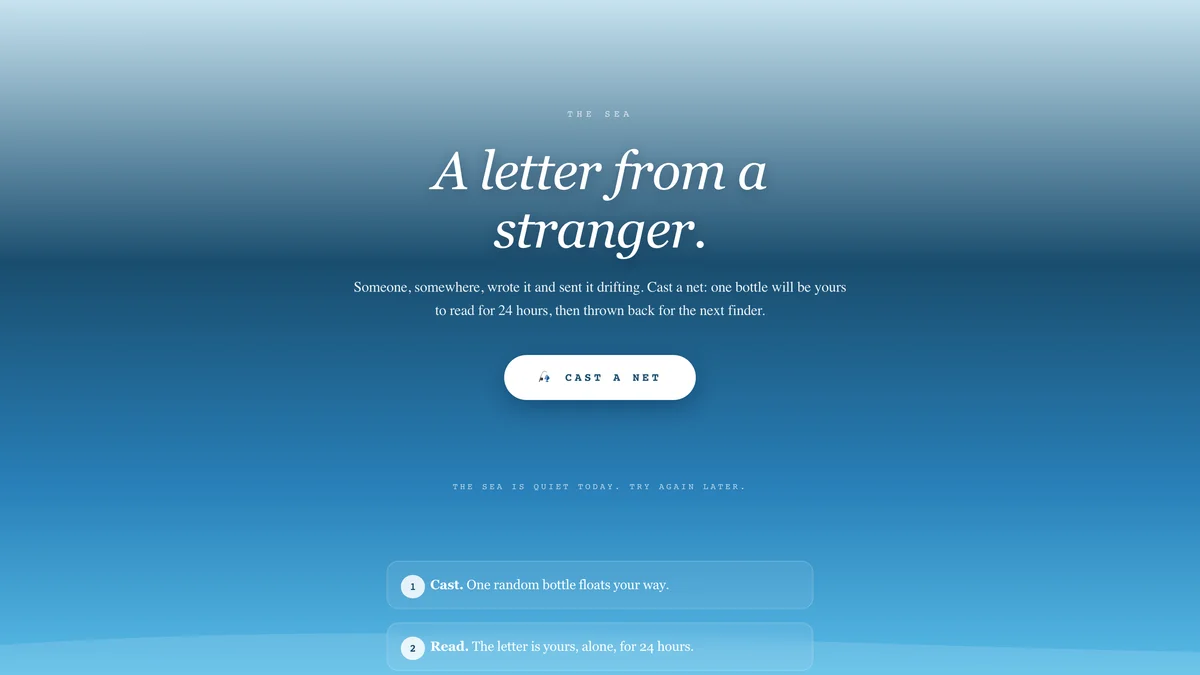
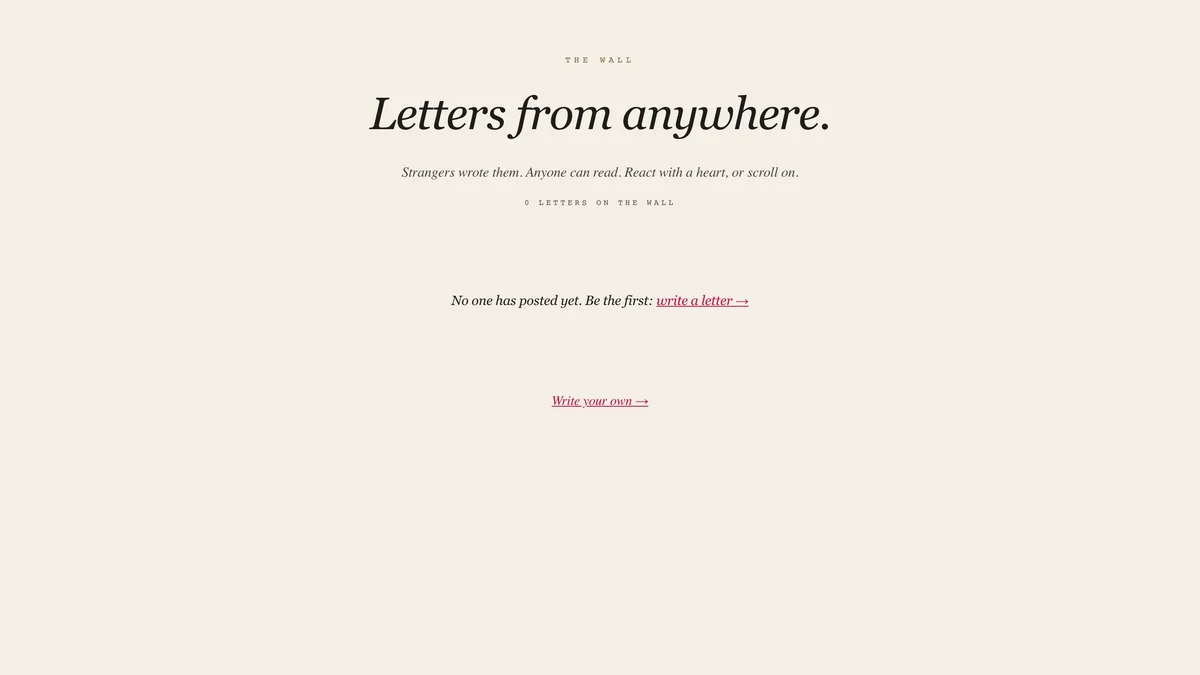
Drift Letters float notes on a virtual sea. The Wall collects guest messages. Toggle either on, anytime.
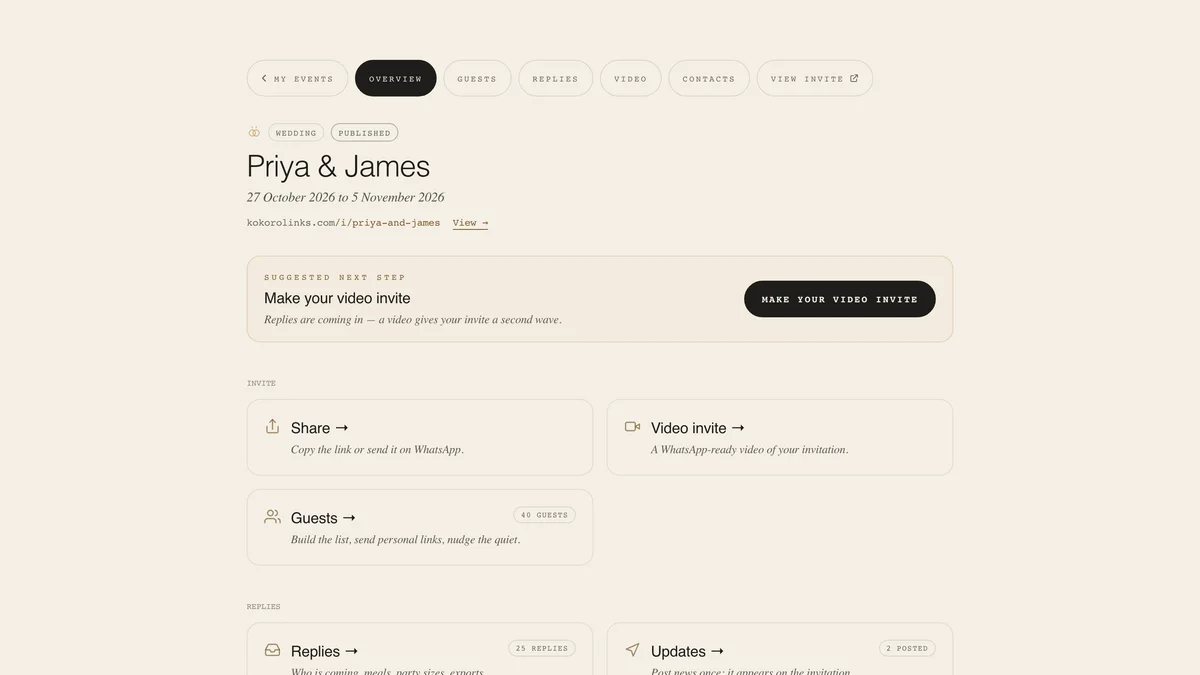
Everything between "link sent" and "event over": build the list, watch replies come in, and run the day itself.
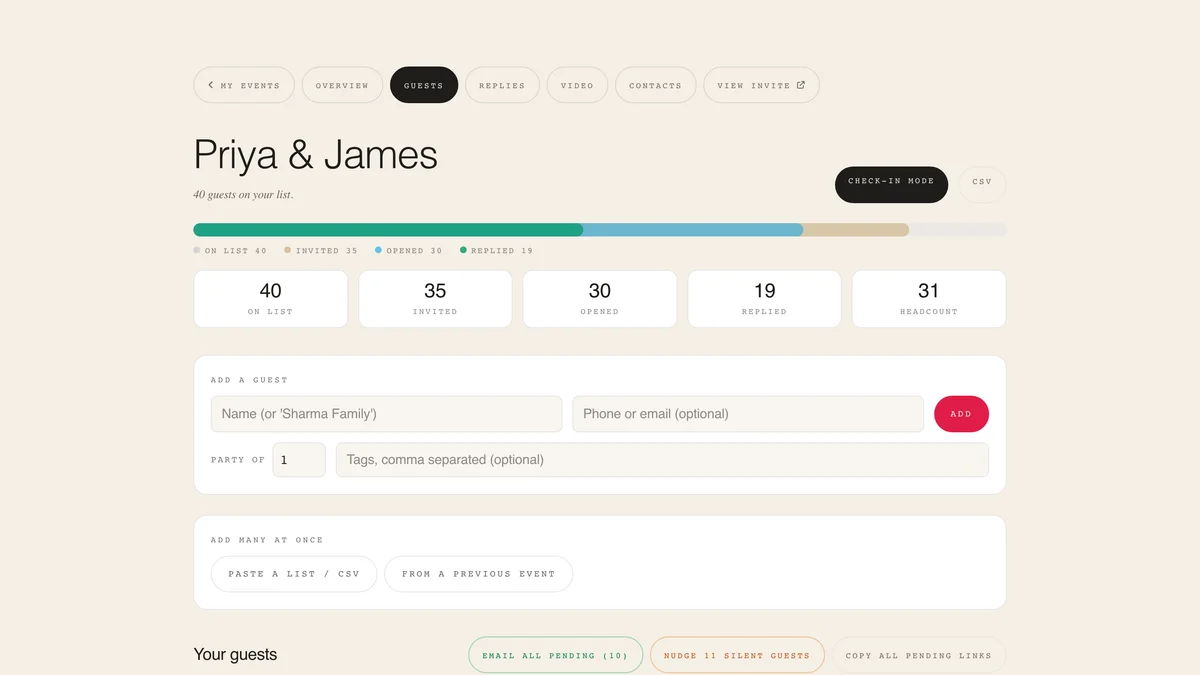
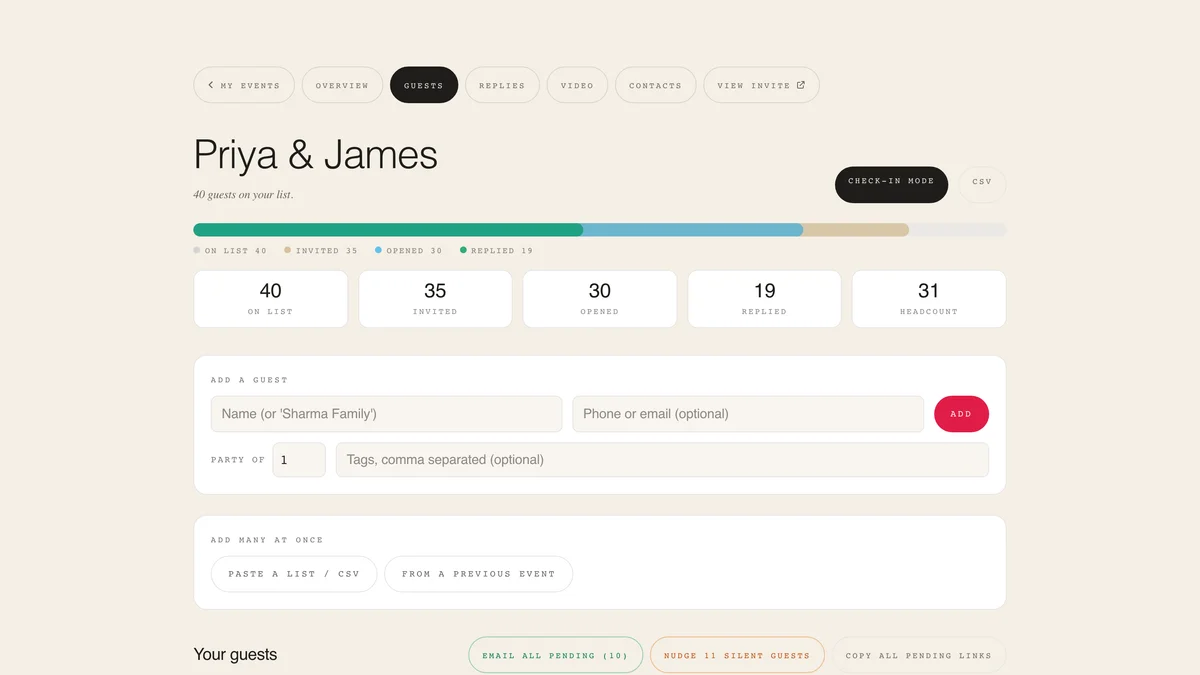
Add guests by hand or import from your phone contacts, a CSV, or a previous event. Every guest gets a personal WhatsApp invite link.
See who was invited, who opened, and who replied. Nudge the quiet ones in one tap: WhatsApp nudges are free, email nudges come with paid plans.
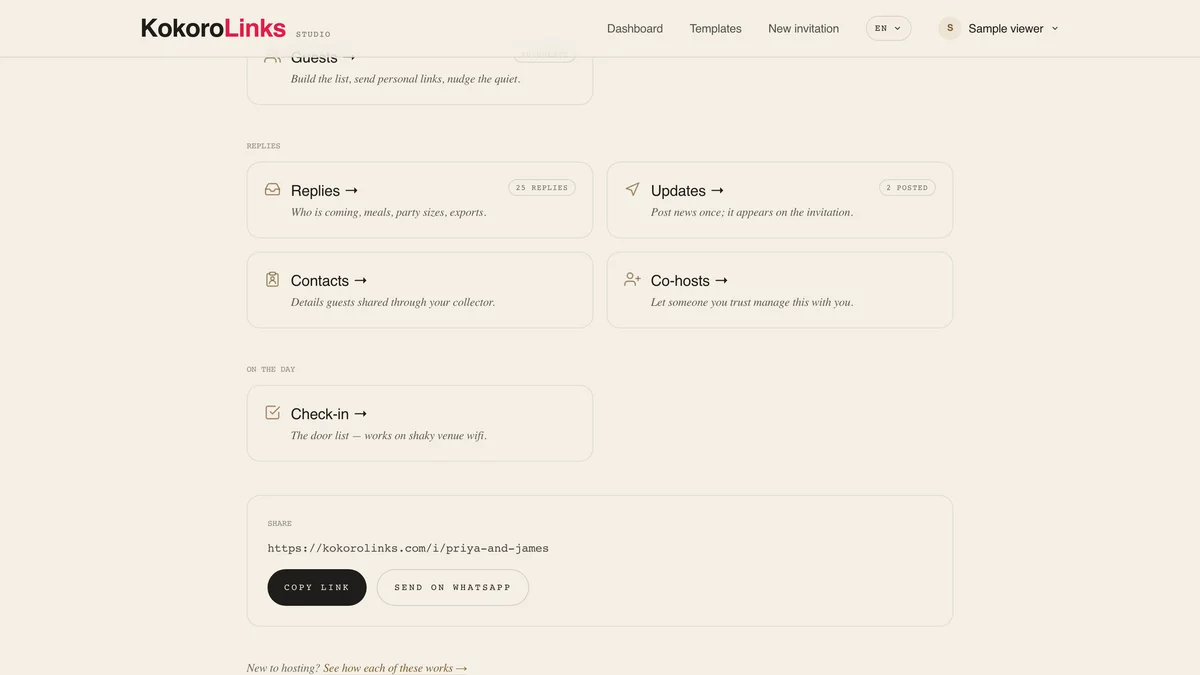
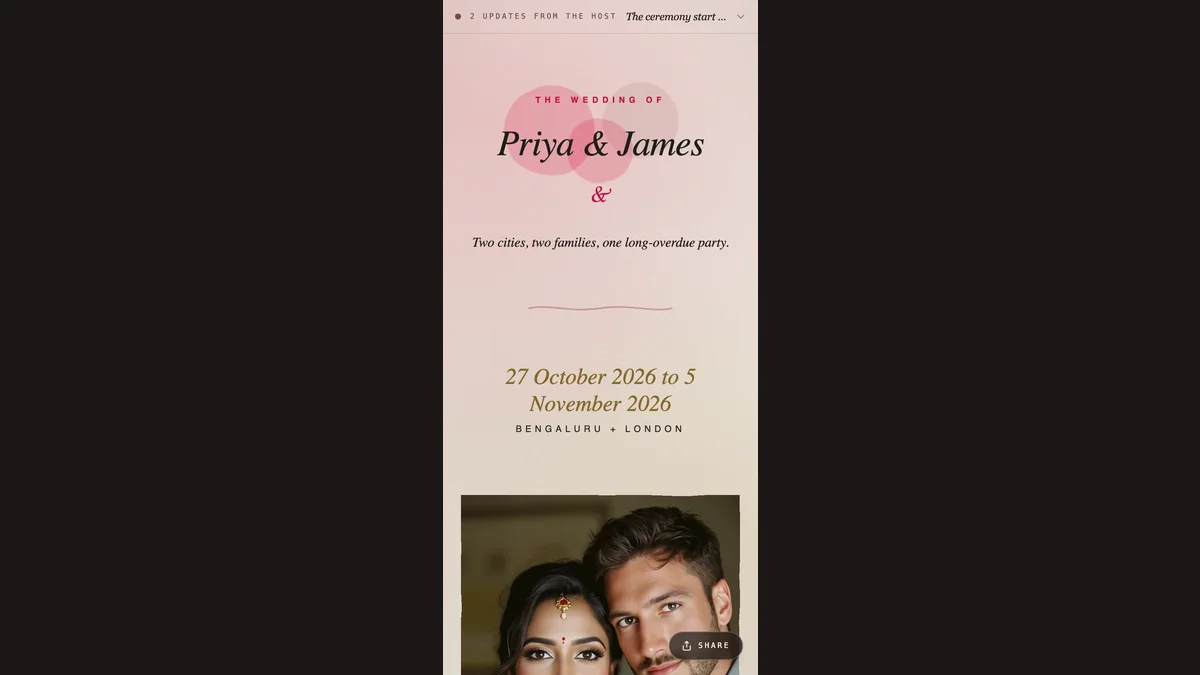
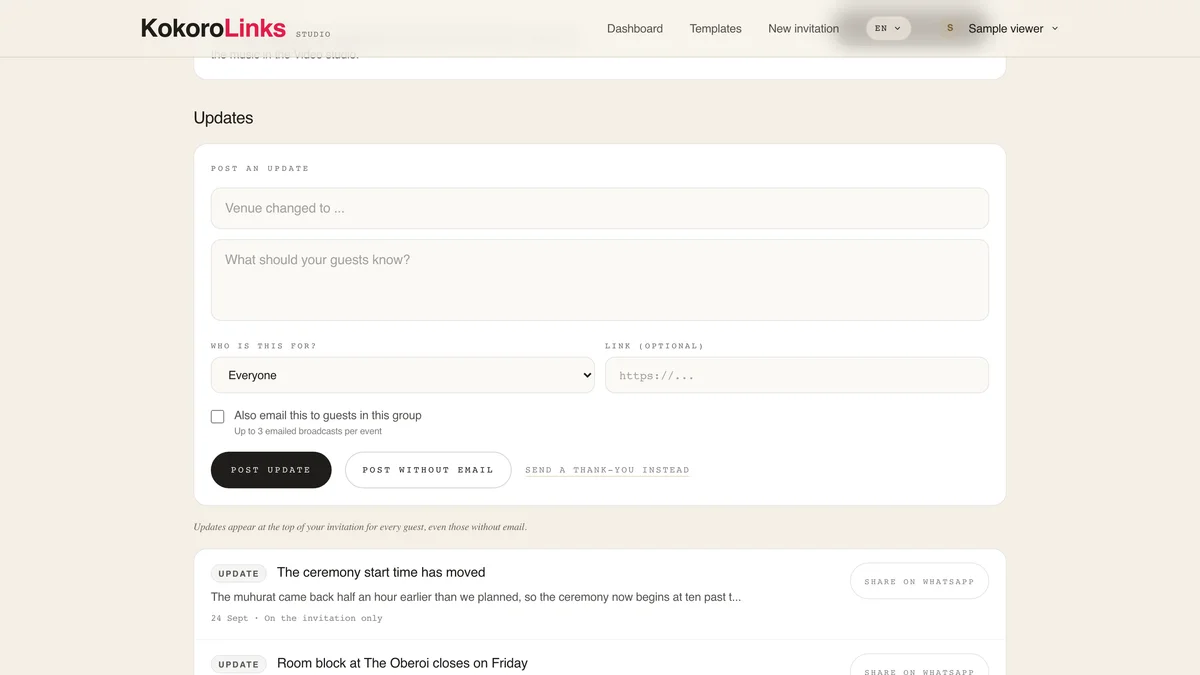
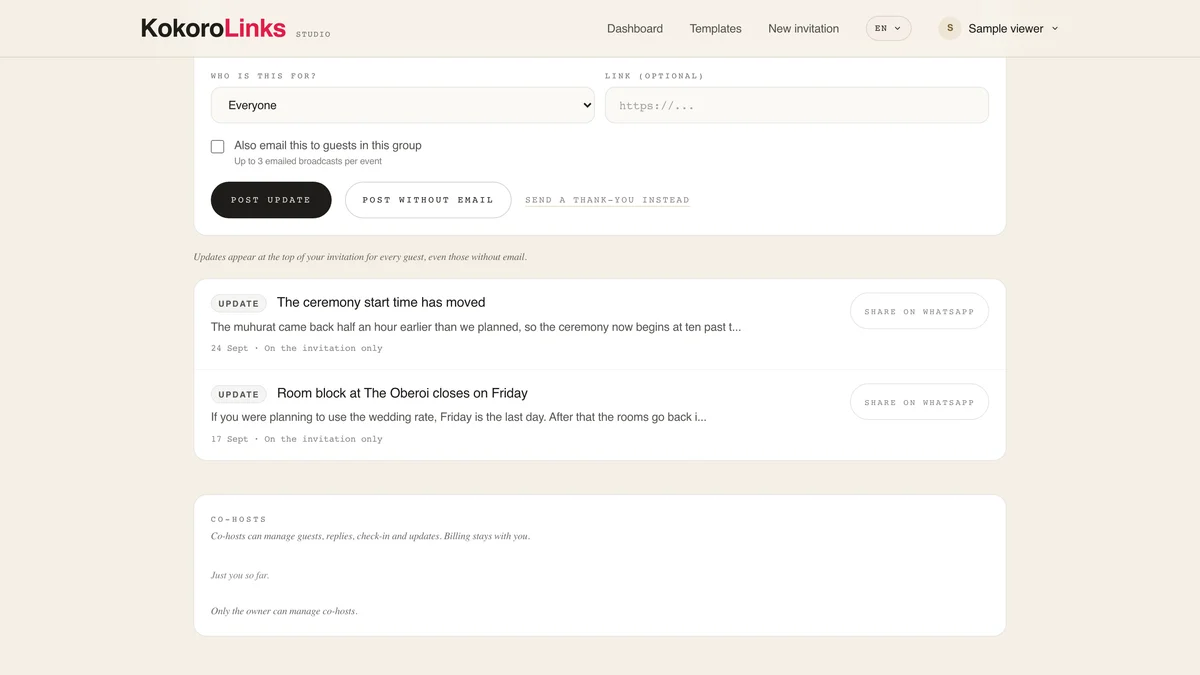
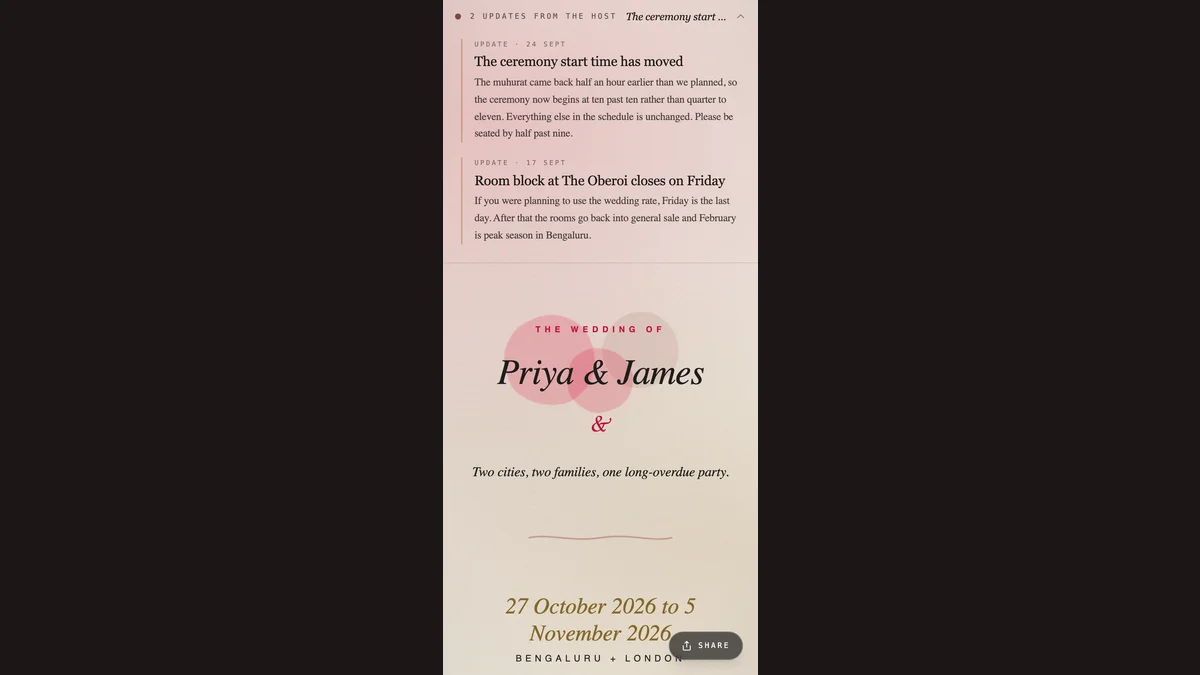
Venue changed? Post an update once and it appears on the invitation itself. Optionally email it to everyone, only confirmed guests, or only the silent.
Search and filter replies, check meal tallies and a headcount forecast, then export a CSV or a plain-text catering sheet for your caterer.
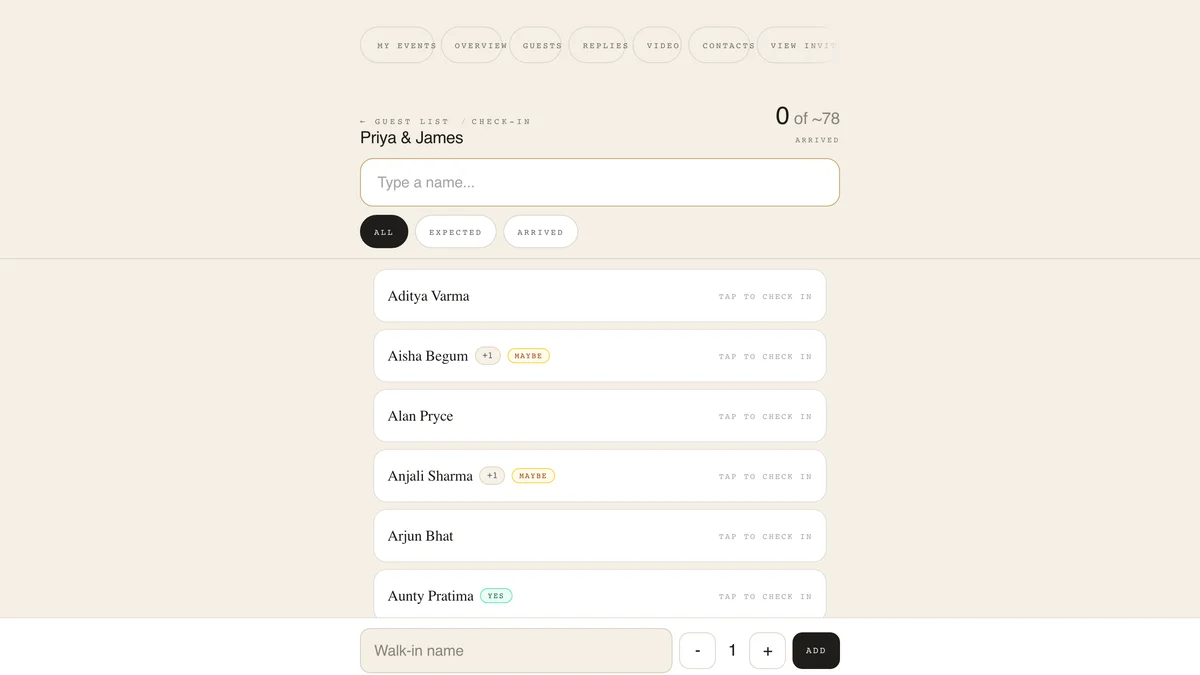
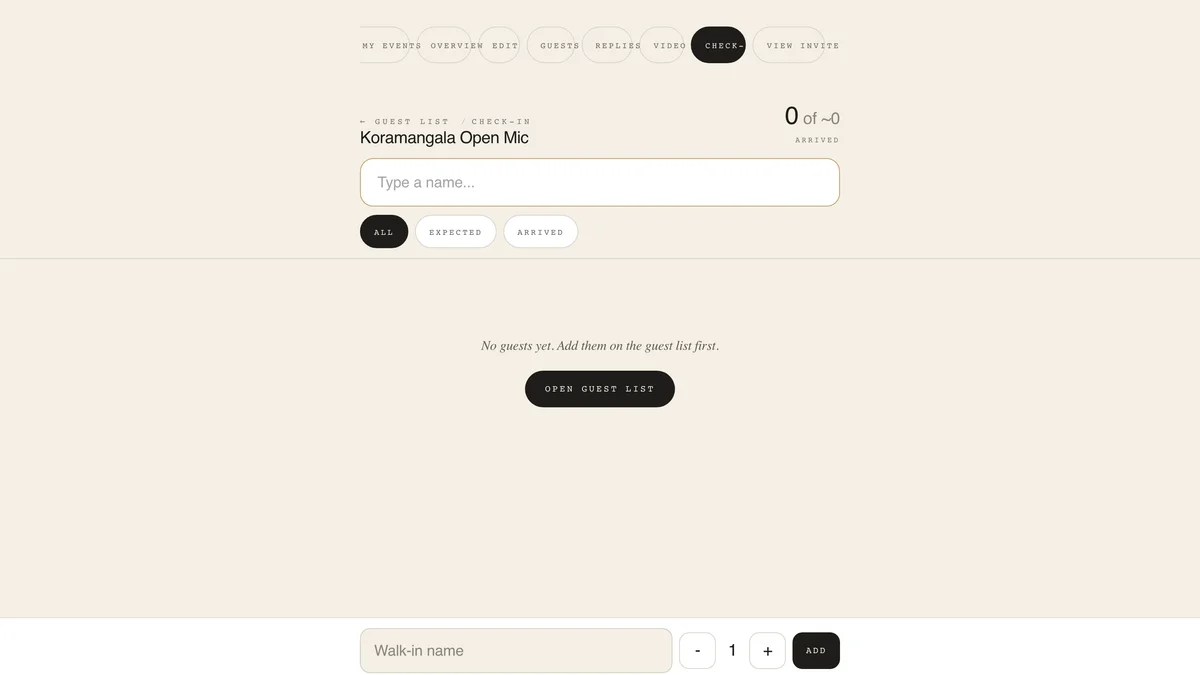
On the day, open check-in mode: big tap targets, keeps working on shaky venue wifi, and walk-ins can be added right at the door.
Open events with capacity, waitlists and tickets: comedy nights, study circles, house parties, jam sessions.
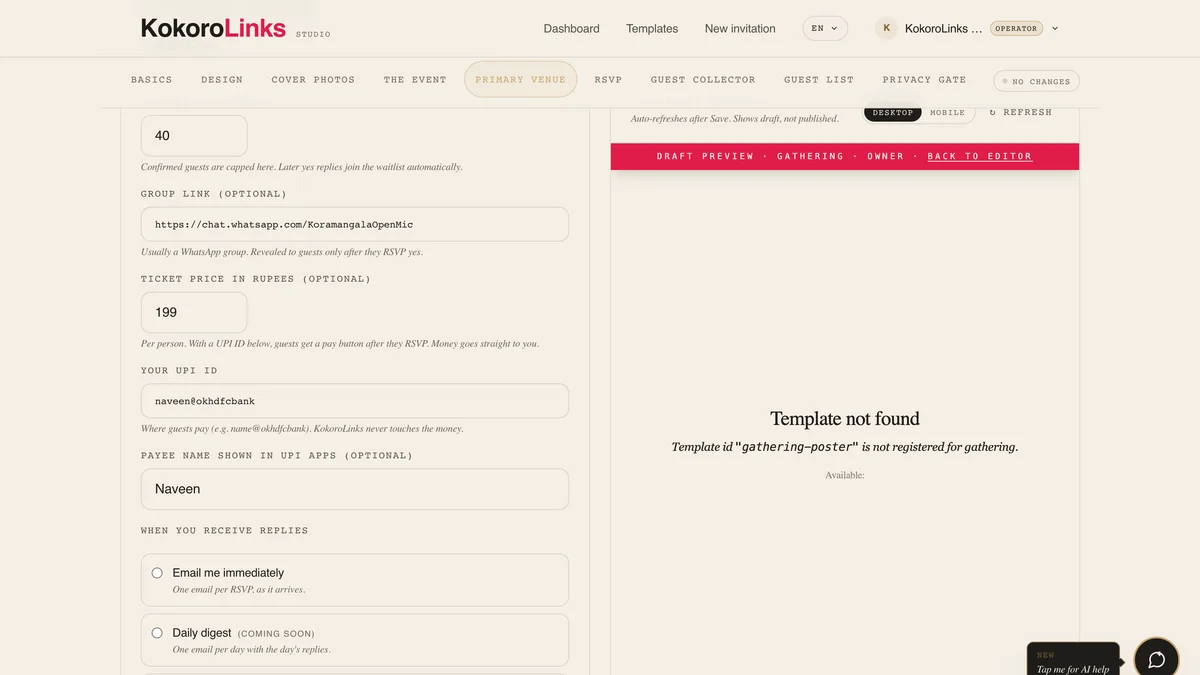
Pick how many spots exist. Late replies join a waitlist, and when a spot frees up the next guest is confirmed and emailed automatically.
Share the public invite anywhere. Your private group link reveals itself only to guests holding a confirmed spot.
On paid plans, set a price and your UPI ID. Guests get a pay button after they reply and the money lands directly in your account. No platform fee.
Check-in shows who paid at a glance, so the queue keeps moving and nobody argues at the entrance.
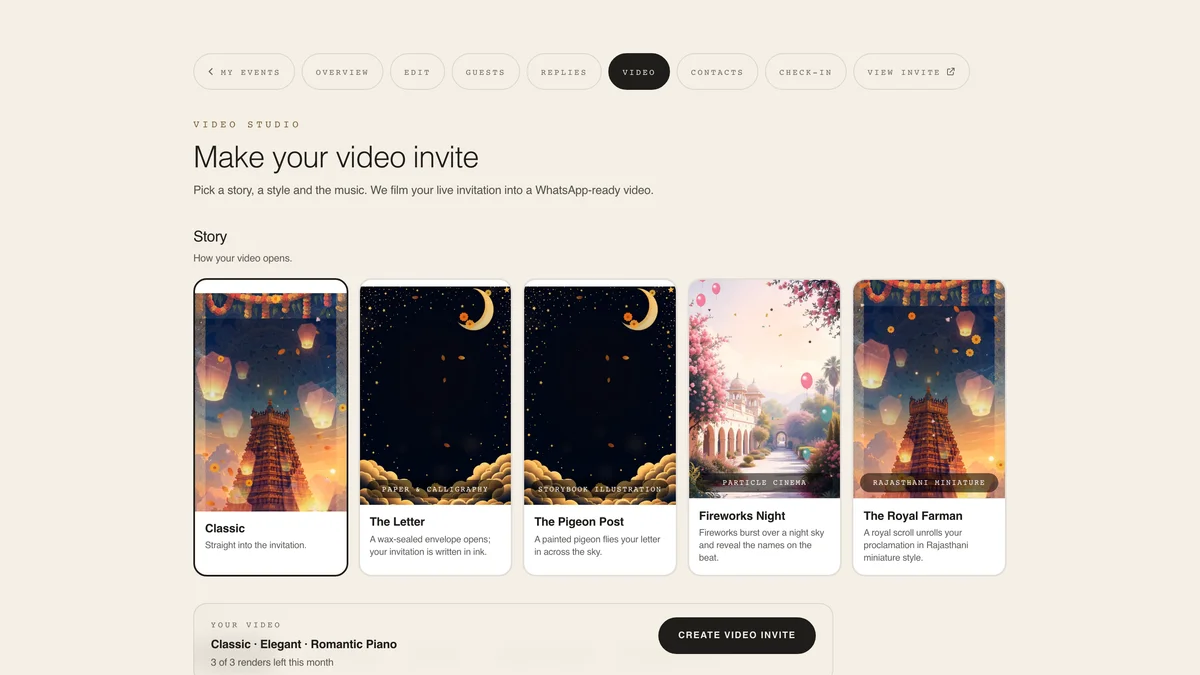
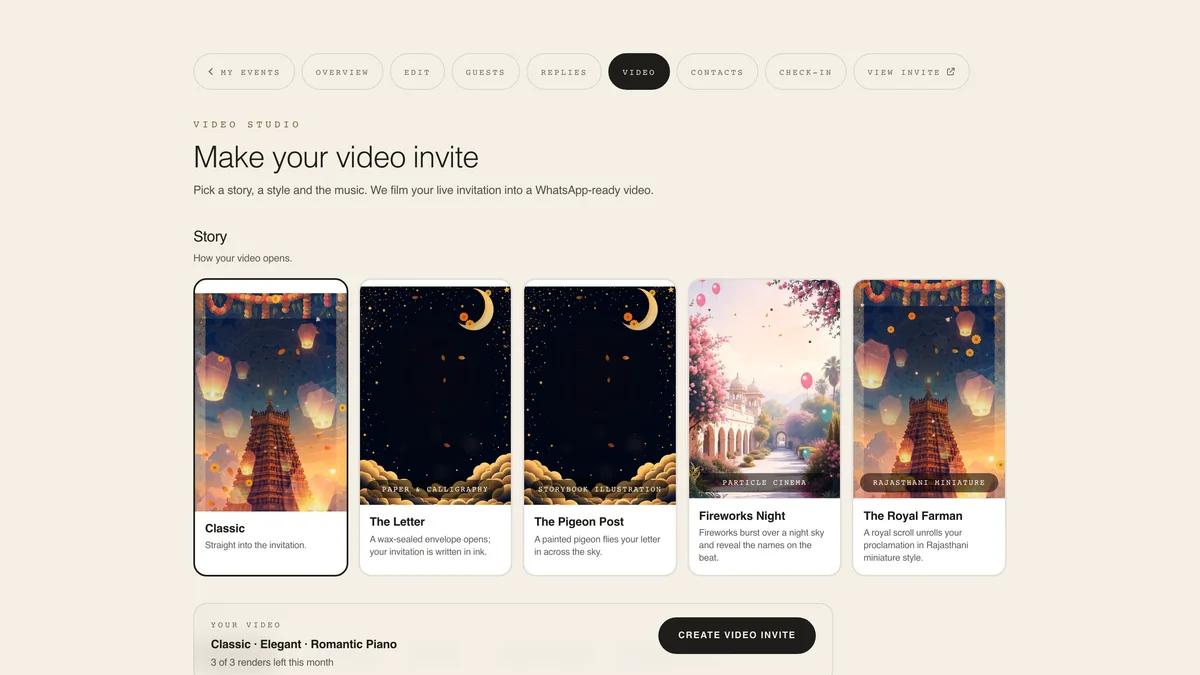
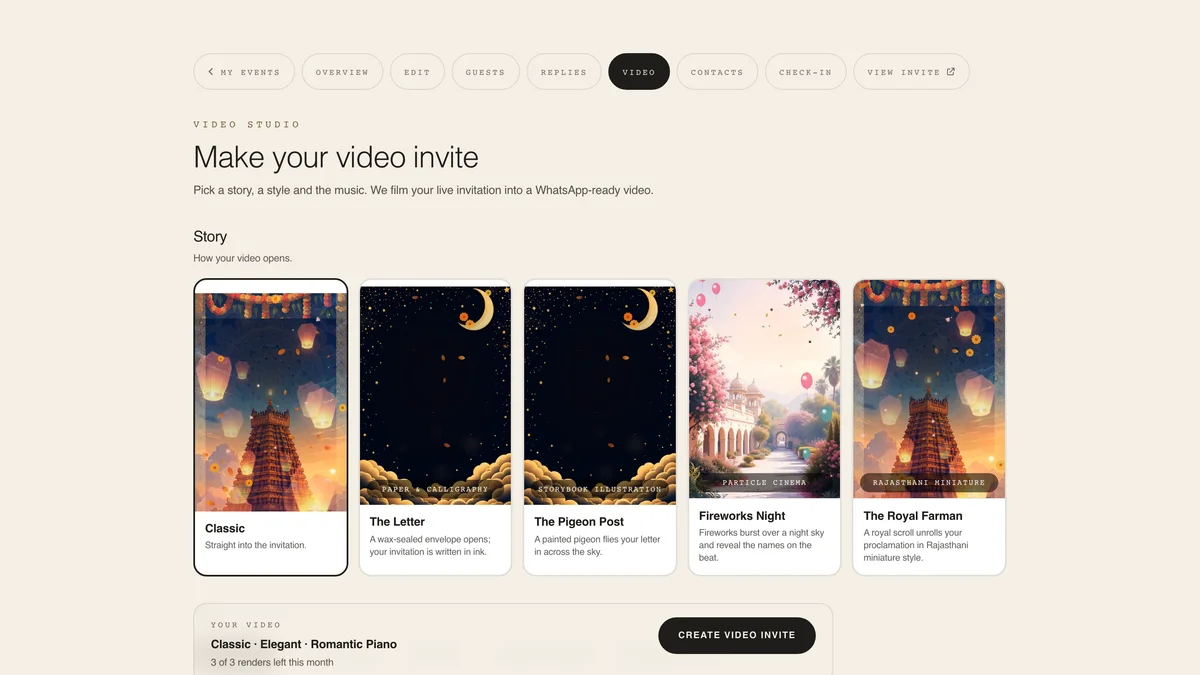
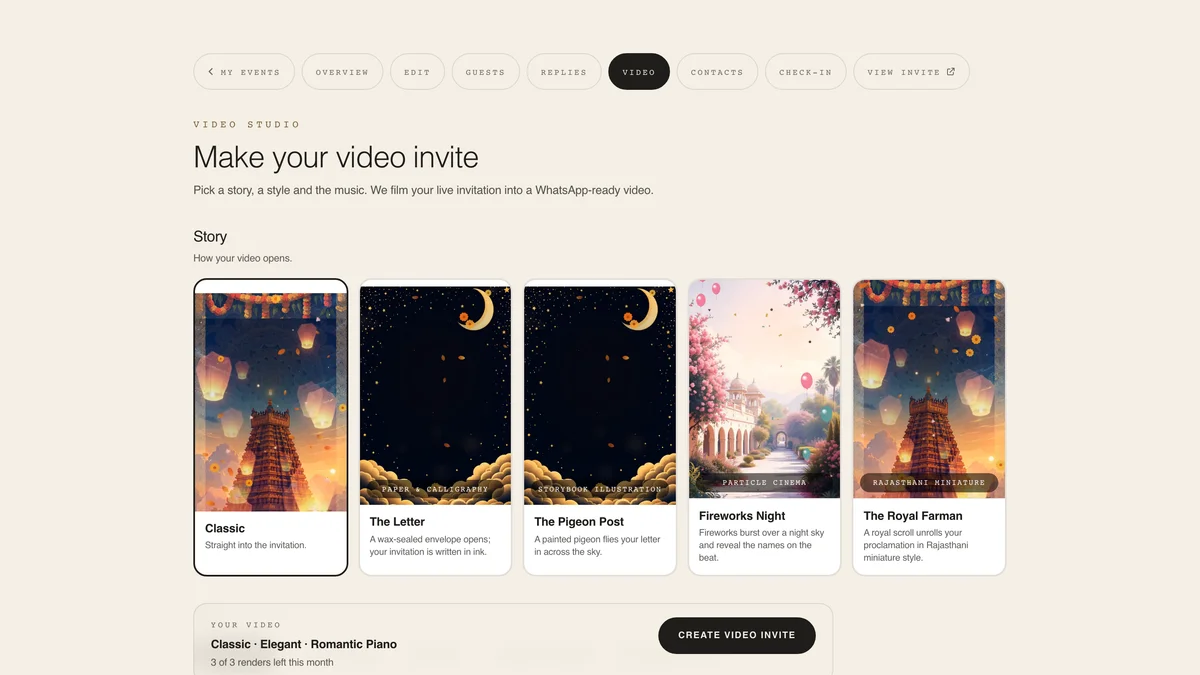
A short film of your own page, made for WhatsApp. Optional, and paid.
The video studio is a tab on your event, next to Guests and Replies. It films your live invitation, so the page has to be published before there is anything to film.
The story sets the opening. The style sets the palette and typography: Elegant, Royal Indian, Festive, Pastel Dream or Midnight Gold. Some stories set their own style, so pick the story first.
Preview each track in place. The video is cut to whichever one you pick, so changing your mind afterwards means rendering again.
Your first render is a free watermarked preview, so you see the real thing before paying. The clean HD file is a one-time purchase for that event. Three renders a month.
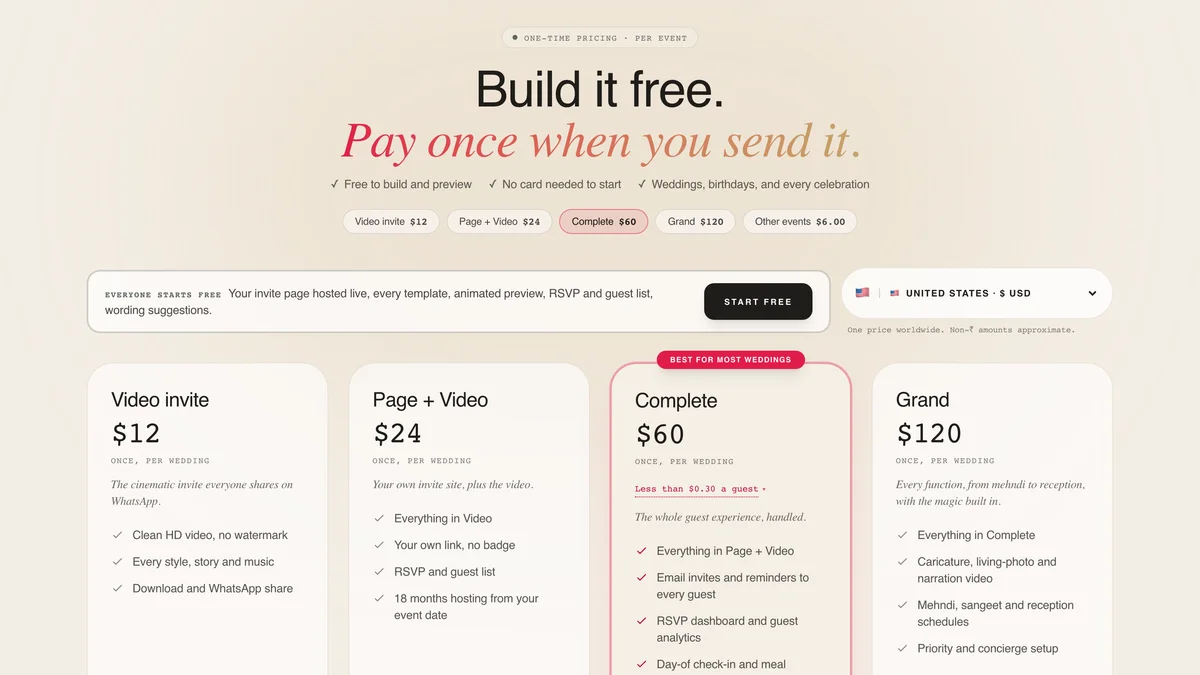
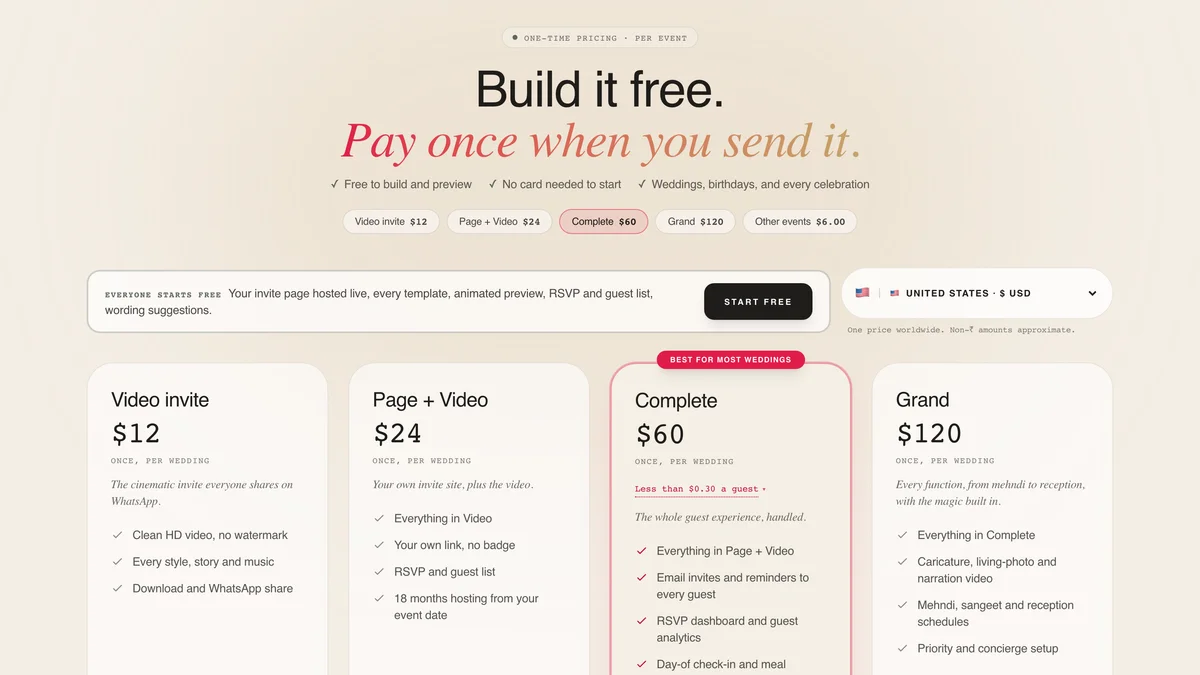
See what it costs
A living photo, a narrated voice, or an illustrated version of you. A one-time add-on for the event: the first render creates them, and every re-render reuses them free.
Download the MP4 and post it on WhatsApp with your invite link in the same message. The video makes people look; the link is what lets them reply.
See example videosThe chapter to forward when someone says the link will not open, or asks whether they can change their reply.
Your invitation opens in whatever browser is already on the phone. No app, no account, no sign-in, and it forwards like any other message. If a guest sees "This invitation isn't ready", the page has not been published yet: that one is yours to fix, not theirs.
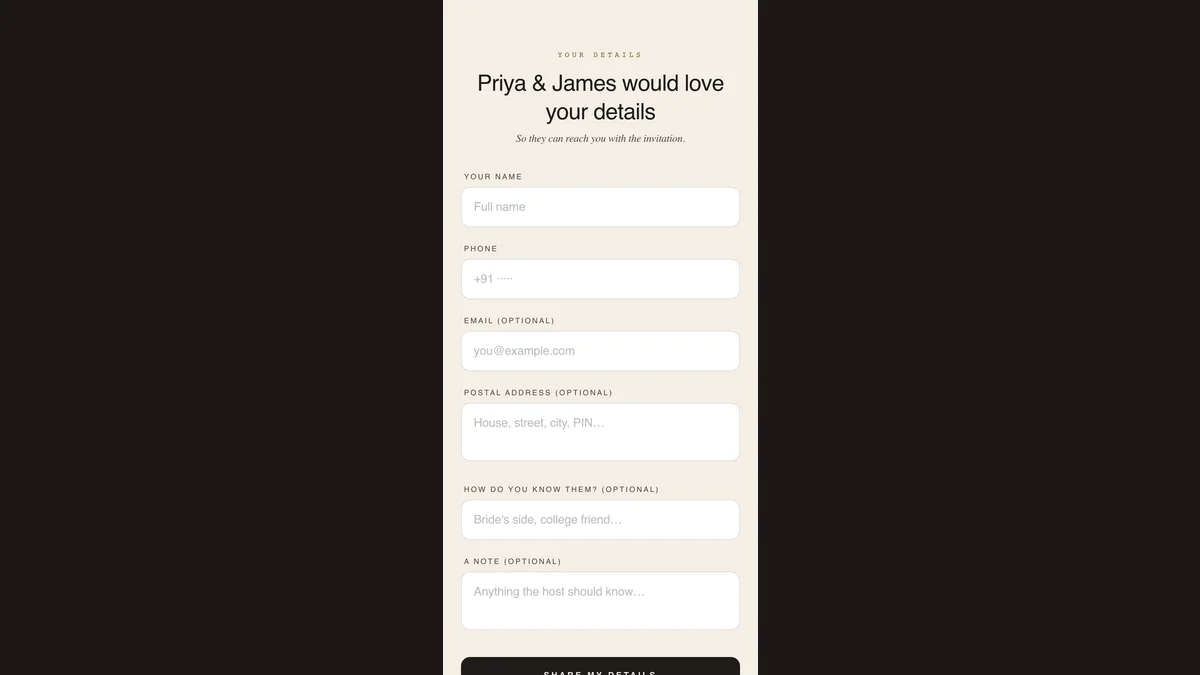
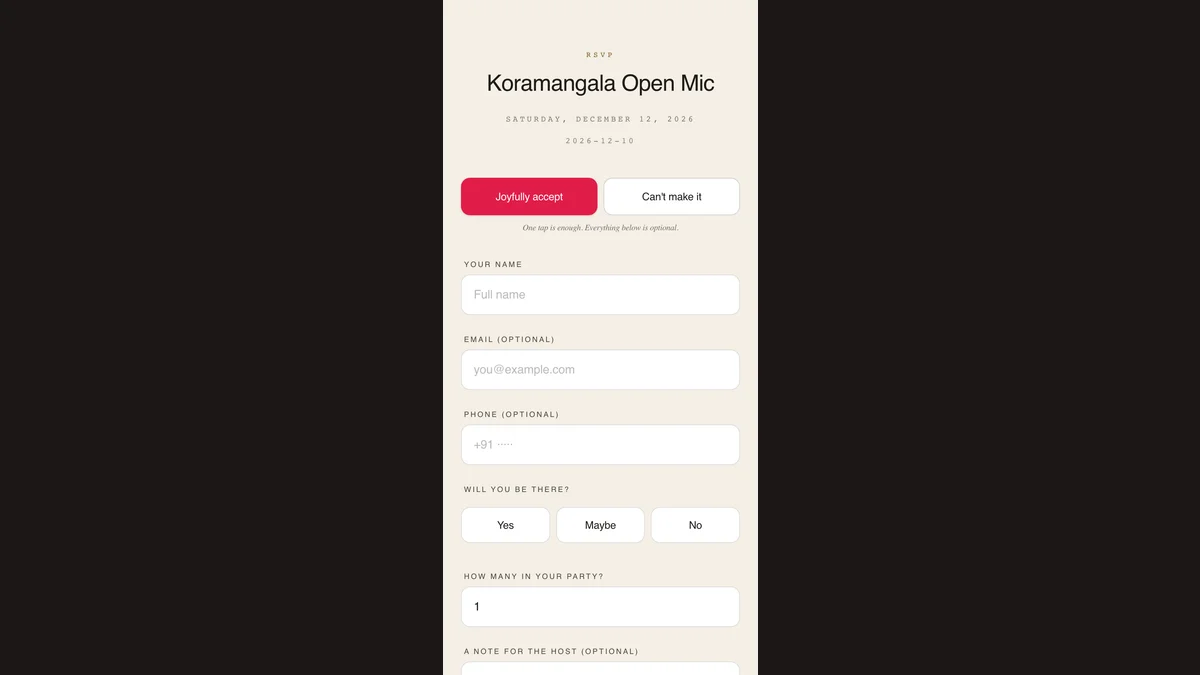
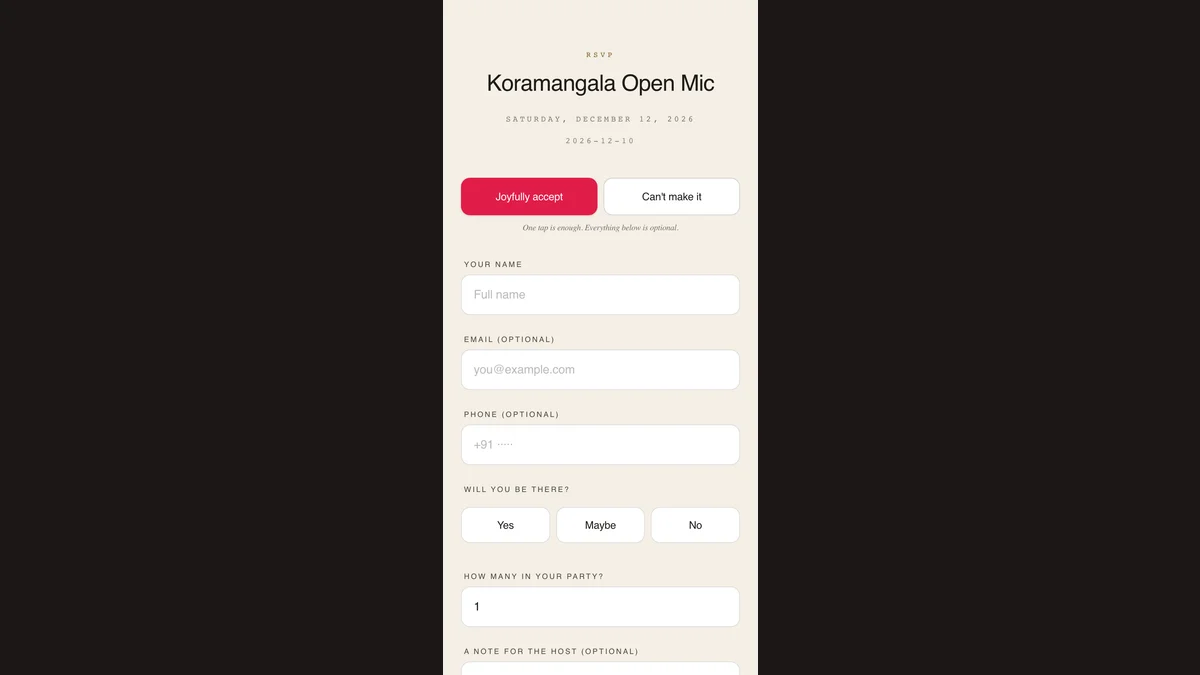
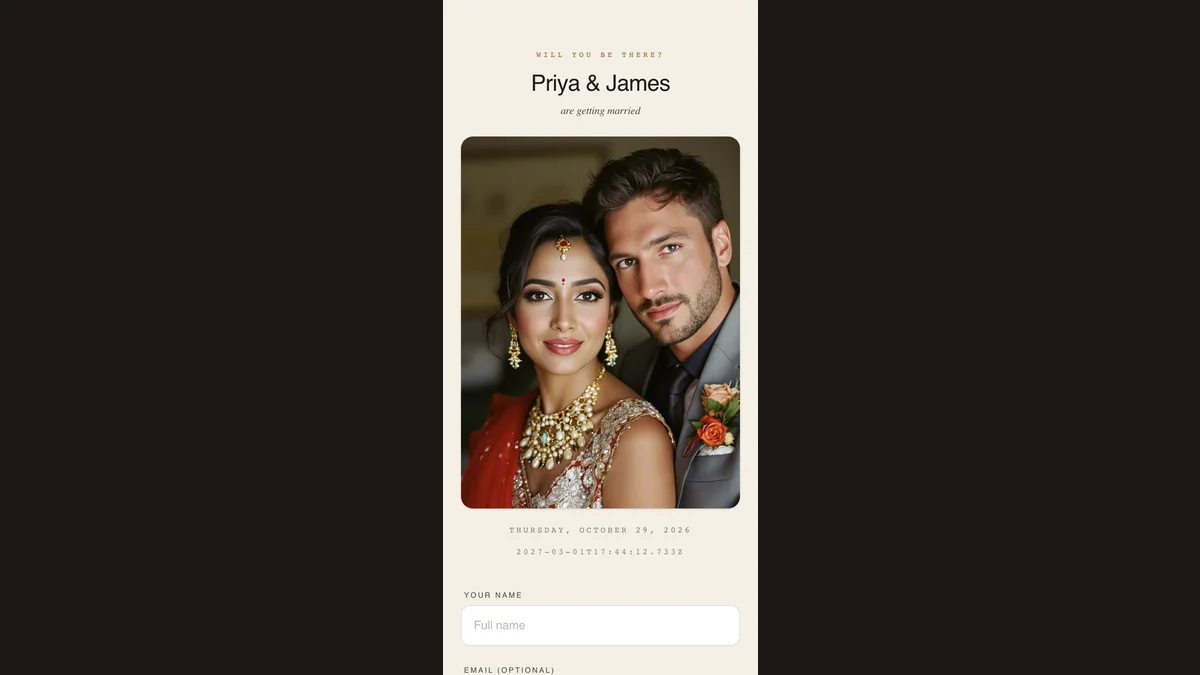
A guest picks yes, maybe or no and gives a name. Party size, email, phone, meal preference, allergies and a note for you are all optional. Guests you invited from your guest list arrive with their name already filled, so for them a single tap is the whole reply.
A guest can reopen their reply on the phone they sent it from and send it again; you see the latest version, not a second one. On a different phone the form starts fresh, so tell them to message you rather than reply twice. Set a deadline and the form closes that day and says so.
The invitation offers to save itself to the home screen, where it becomes an icon, usually the event's own photo. On the day nobody scrolls back through months of chat. Offered on iPhone Safari and on Android where the browser supports it, and optional either way.
Post an update and it appears at the top of the invitation itself, so a guest holding the original link always has the current version: the venue change, the new time, the parking note. Emailing an update is a paid feature; the update on the page is free and reaches guests who never gave you an email.
Start with a template you like. You can change everything later.
Free tier covers 3 invitations + every event type.